Installation
Requirements
- Windows 10 or Windows 11
- Administrator access (required for hosts file updates)
- Internet connection (for downloading binaries)
Install Steps
- Download the latest ForgeKit installer.
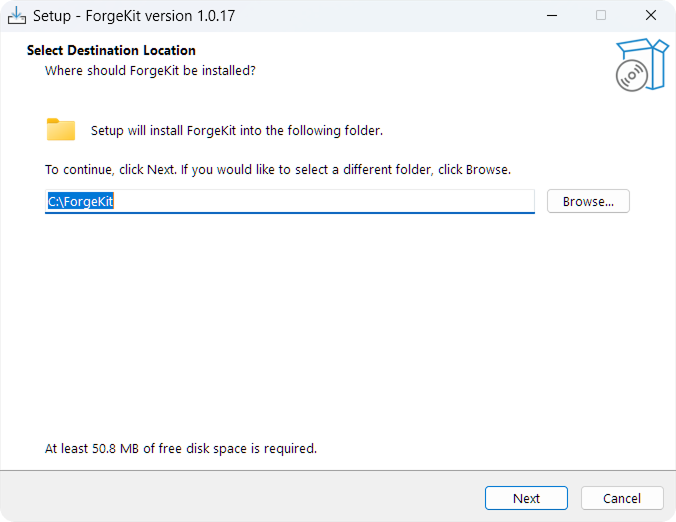
- Run the installer.
- Follow the setup wizard.
- Launch ForgeKit.
That's it.
What Happens During Installation
ForgeKit:
- Installs the core application
- Prepares directories for binaries and instances
No web server or PHP is installed automatically at this stage.
First Launch
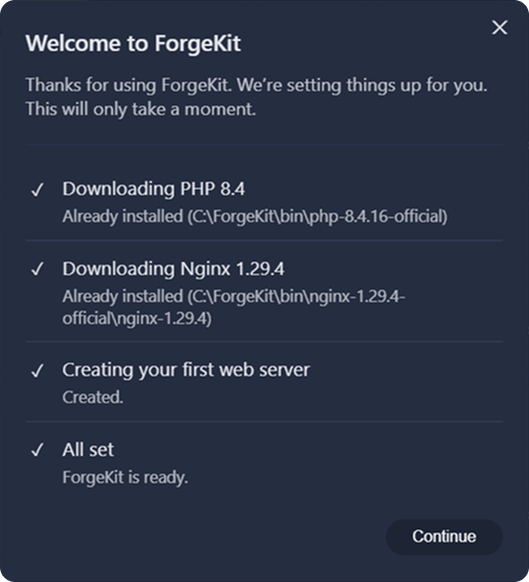
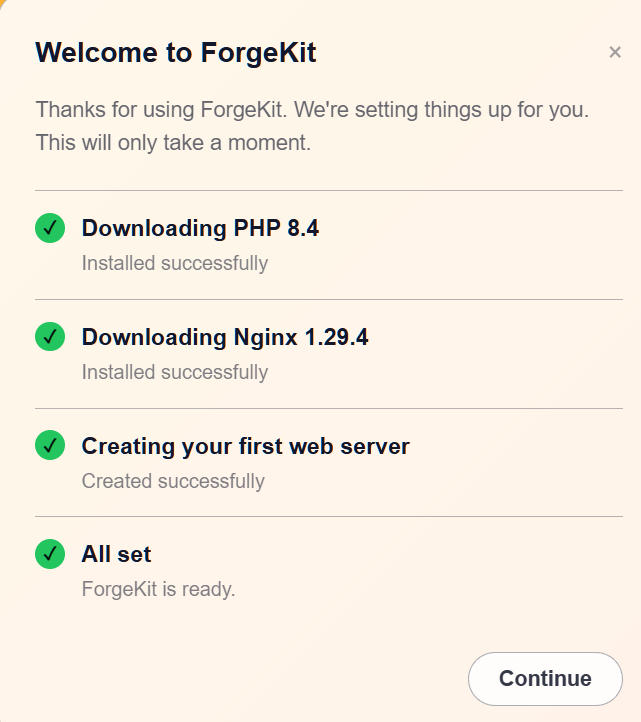
When you open ForgeKit for the first time:
- ForgeKit will download widely used PHP and Apache or Nginx binaries.
- ForgeKit will create a default web server instance using those binaries.
This is done so you can go straight away into setting up your project.
Continue to → Your First Server